

 in5 Account
 in5 Academy
Tutorials can show you how to make something, but this lesson will show real-life examples of projects that are actually being published with in5.
Expert contributors to this lesson

Justin Putney
Estimated time: 10 minutes
Today's Course Outline
- Web Examples
- Digital Magazines
- Web App Examples
- Mobile App Examples
- Additional Examples
Each one of the examples below has a video available of the project.
Web Examples
The simplest way to share your in5 content is to post it directly to the web.
Marinus Scrolling Website
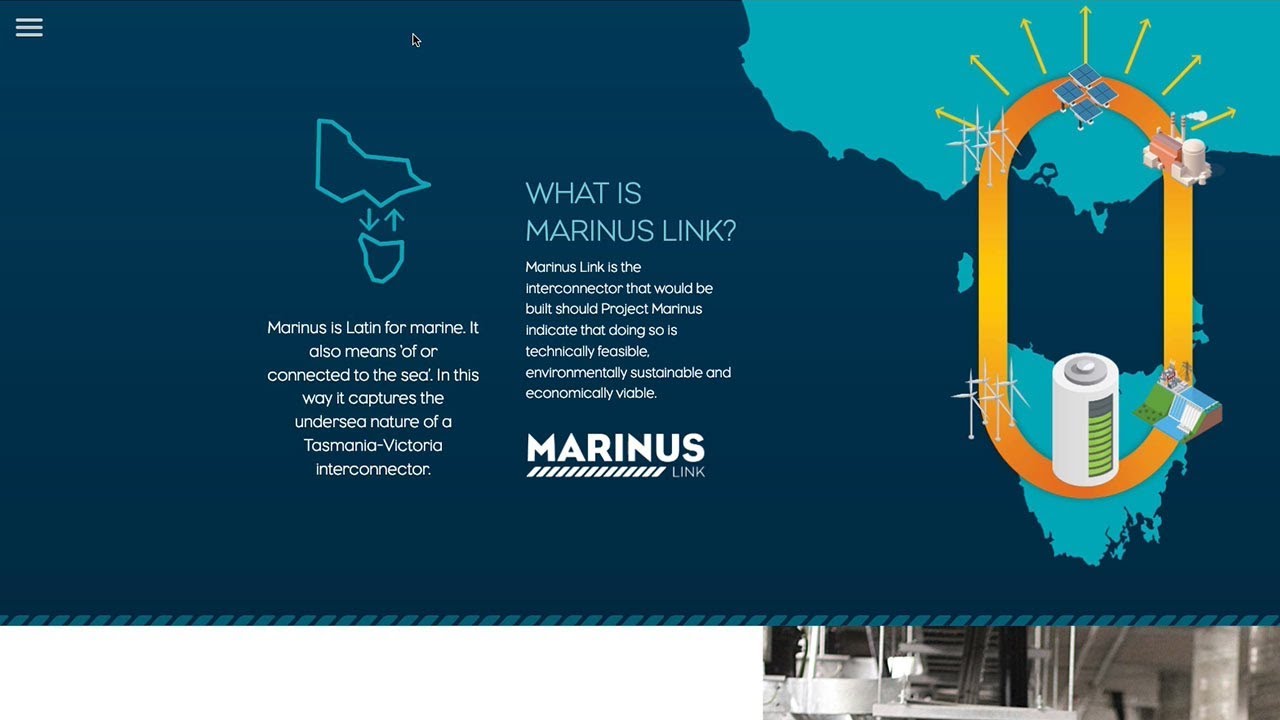
Designer Emerson Ringrose created a one-page scrolling website using InDesign & in5 with animations that appear as you scroll.
Digital Magazines
Just because your content lives on the web, doesn't mean it has to look like a website!
Allegheny College Magazine

Penny Drexel, Art Director at Allegheny College, took her magazine online with in5.
The magazine has a clean and classy feel and can be shared with a simple hyperlink.

"Discovering in5 was key—we had our first online, interactive magazine published!
"Ajar Productions has been extremely helpful along the way, and their step–by–step tutorials are great.
"I can’t wait to get started on our next issue!"
- Penny Drexel, Art Director
Pushing the content boundaries
Whatever you want to call your document...an ebook, a digital magazine, an app...you can push the boundaries with InDesign and in5 to create an awesome experience far beyond an epub or an interactive PDF.
Oh yeah, in5 can help you make presentations as well...
The Magic Slate: A Tablet Design Primer

Magicians use our expectations to create surprise and wonder. Dan Marcolina's presentation at PePcon showed how to capture the illusion within an interactive design.
Dan used in5 to export his InDesign-built presentation slides to the web.
These charming slides combine motion graphics with typography, illustration, and layout to create a novel and immersive tablet experience. Take a look inside the mind of a digital magician.
Web Apps
Web Apps live on the web, and they can be saved to the Home Screen of a mobile device—just like a native app—but they don't require a developer's license or submitting to an app store!.
Here's a sample installation screen.
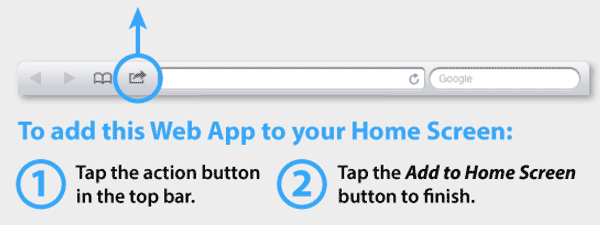
(More on Web Apps in an upcoming lesson).
Educabilidad

Stephanie Carreón released her Spanish-language academic journal online with a (universal) desktop version and Web App versions for iPad and Android that can be saved directly to the Home Screen.
Stephanie makes great use of Scrollable Frames to keep the page content easy to browse.
Mobile Apps
While it's easy to post your in5 content directly to the web, it's also possible to turn your design into a mobile app.
(I'll show you how to create apps in an upcoming lesson).
Fun Lab iPhone and iPad Apps

This awesome app for children was created with InDesign and in5, then published to the Apple App Store by designer Matthew Goodman.
Matthew Goodman also created an awesome flipbook magazine using in5.

"I love in5! it's awesome."
- Matthew Goodman, Editor and Designer
Night Sky Kiosk App
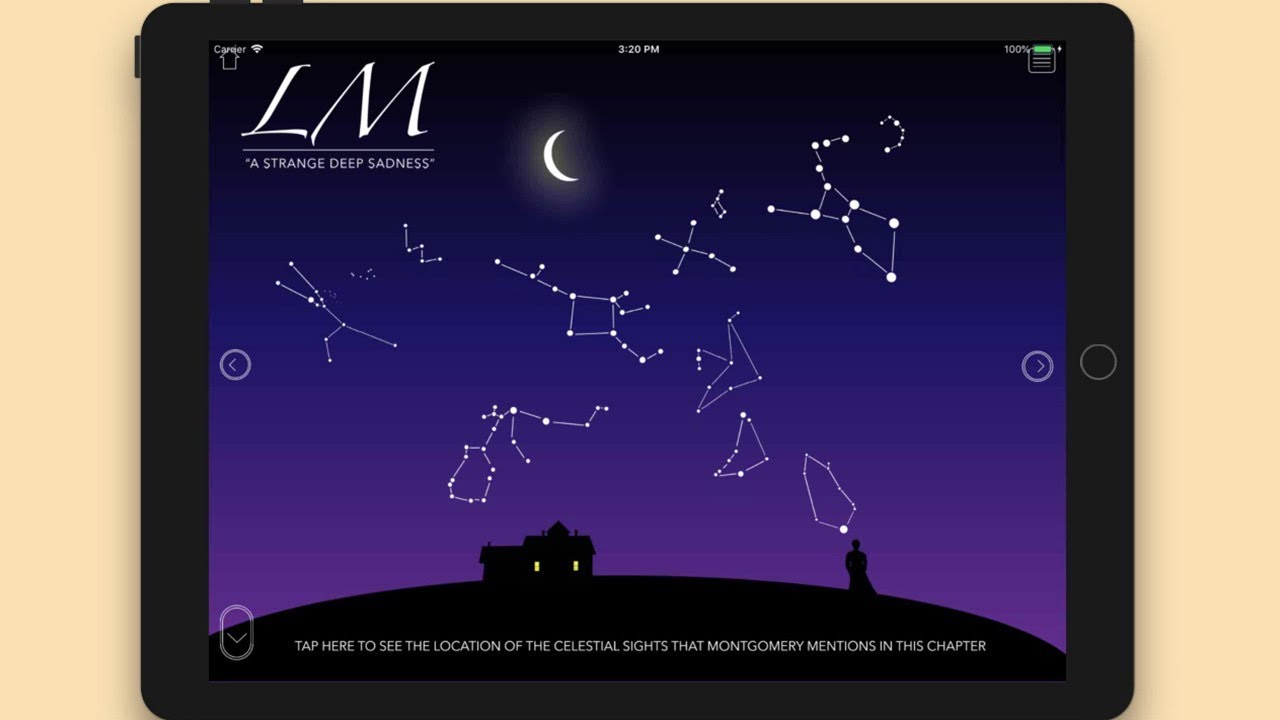
Designer Dave Hickey created an immersive learning experience and displayed it in a live kiosk using an iPad.

"in5 is a fantastic product. I’ve had a lot of fun using it, and I’m looking forward to seeing what’s possible from here.
"I can’t wait to get started on our next issue!"
- Dave Hickey, Asst. Professor, University of Prince Edward Island
Additional Examples
More examples can be found in the in5 showcase.
Have you made something awesome with in5? Let us know about it.
Take Aways
- With in5, you can create web pages, digital documents, Web Apps, and mobile apps.
- in5 has some awesome customers!
Try it on your own layout
The free in5 demo exports your InDesign document to HTML5 so you can see every lesson working in a browser.